User guide
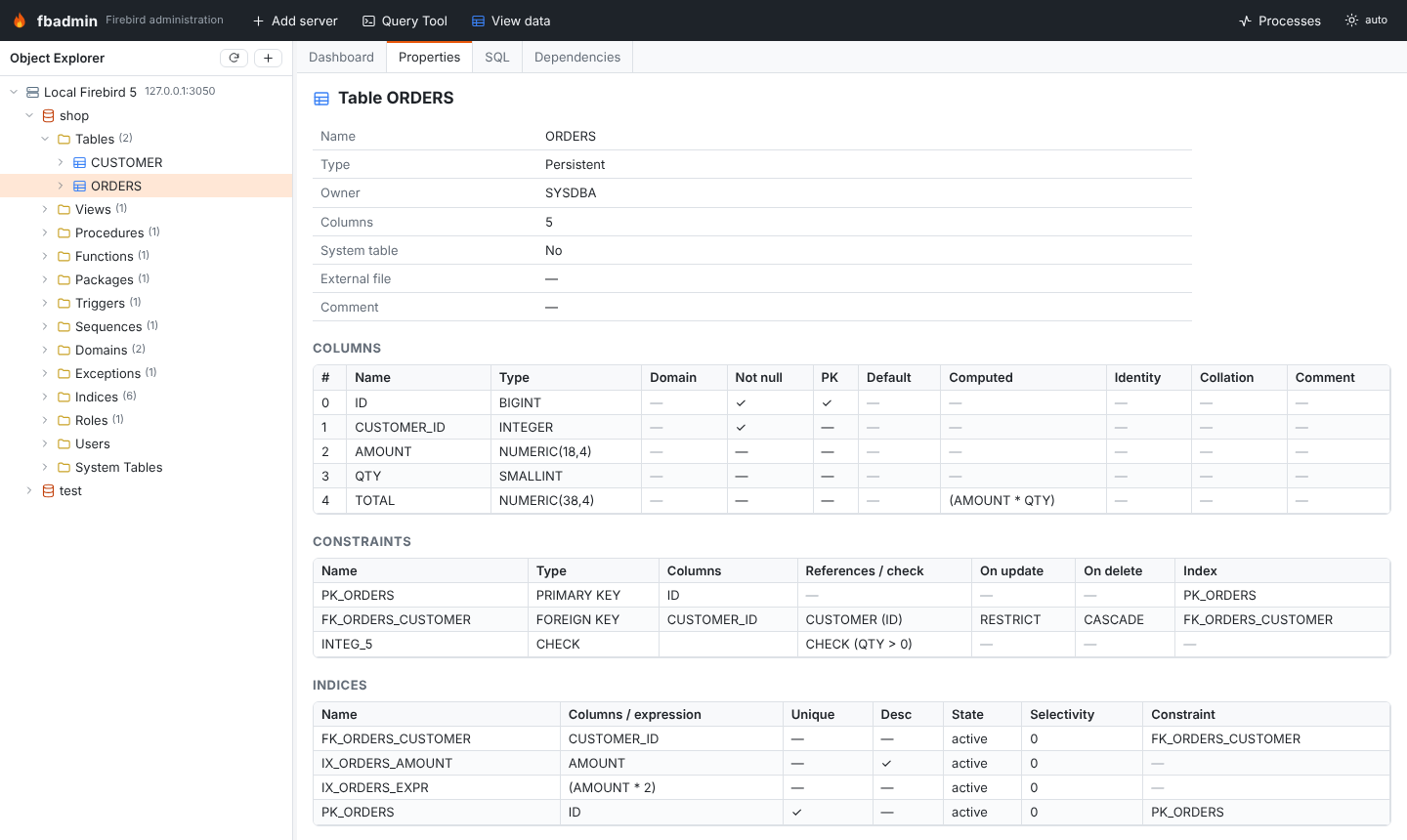
fbadmin's window has three parts:
- the Object Explorer on the left: servers → databases → object folders → objects;
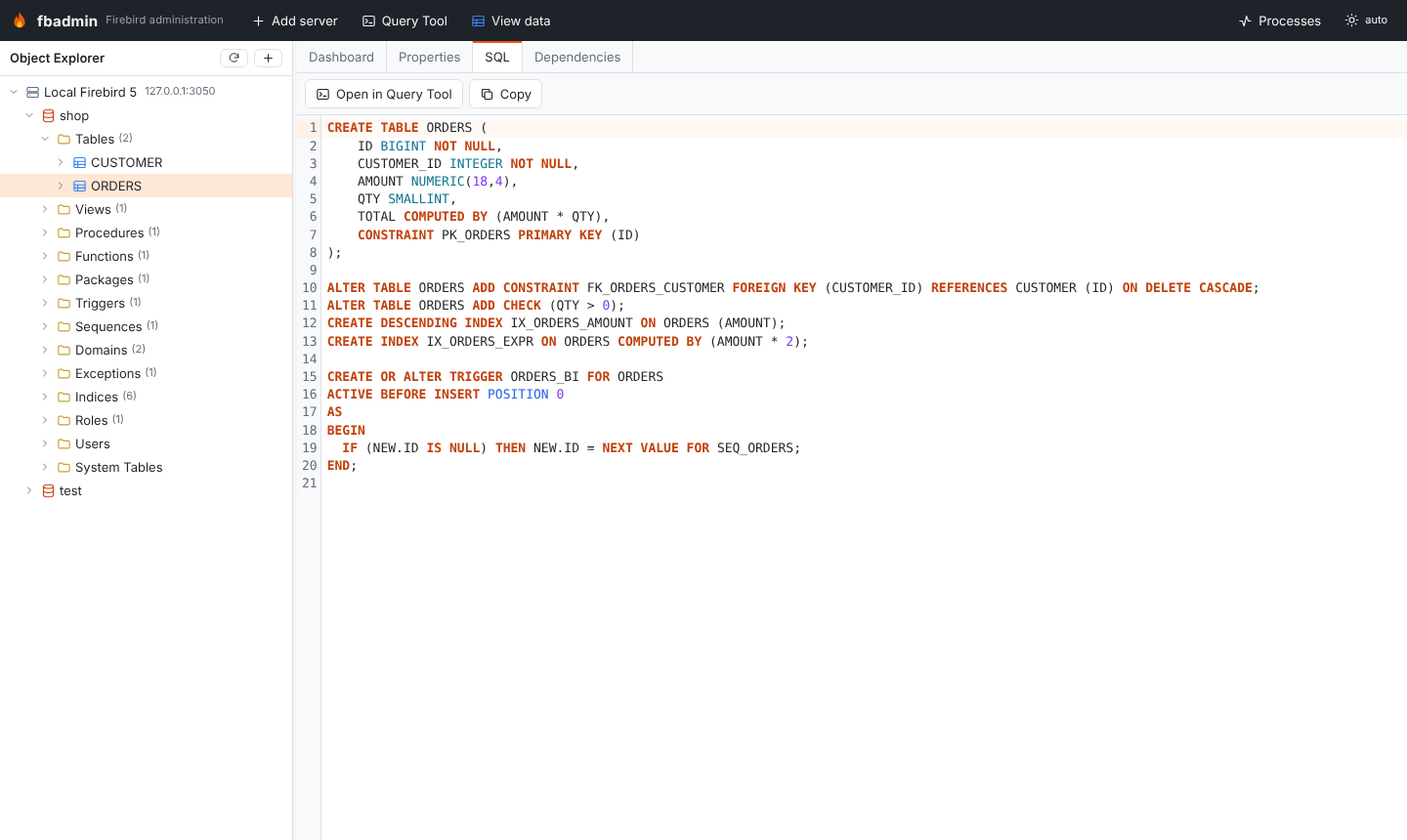
- the workspace on the right, with fixed tabs (Dashboard, Properties, SQL, Dependencies) for the selected object and closable tabs (Query Tool, data, monitor, processes, server log);
- the toolbar on top: Add server, Query Tool, View data, Processes, theme.
Right-click anything in the tree for its context menu (create, alter, drop, backup, restore, statistics, ...).
| Guide | What it covers |
|---|---|
| Object explorer | Registering servers and databases, browsing objects, DDL, dependencies |
| Query Tool | Running scripts, parameters, transactions, plans, statistics, export |
| Data grid | Viewing, filtering and editing table data |
| Monitoring and maintenance | MON$ monitor, backup/restore, sweep, statistics |