Castle Quake
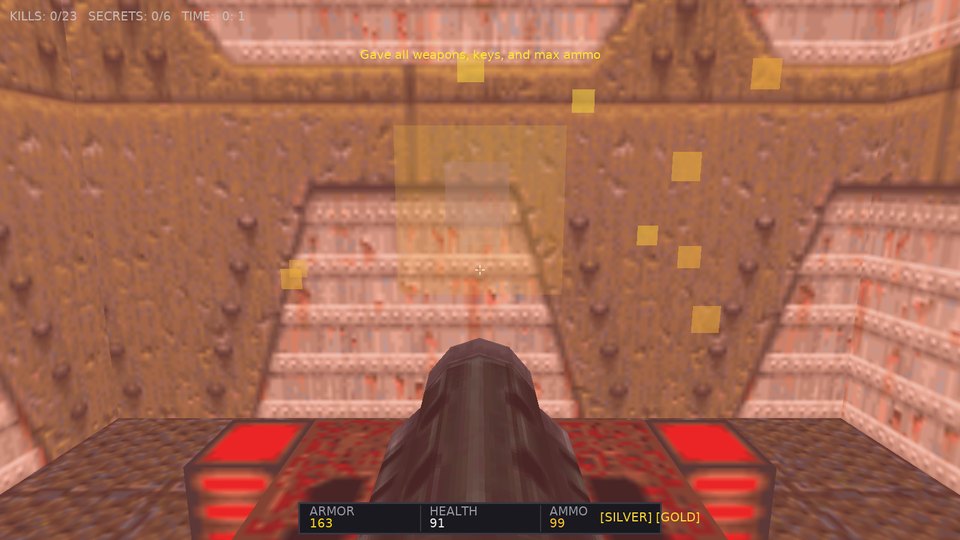
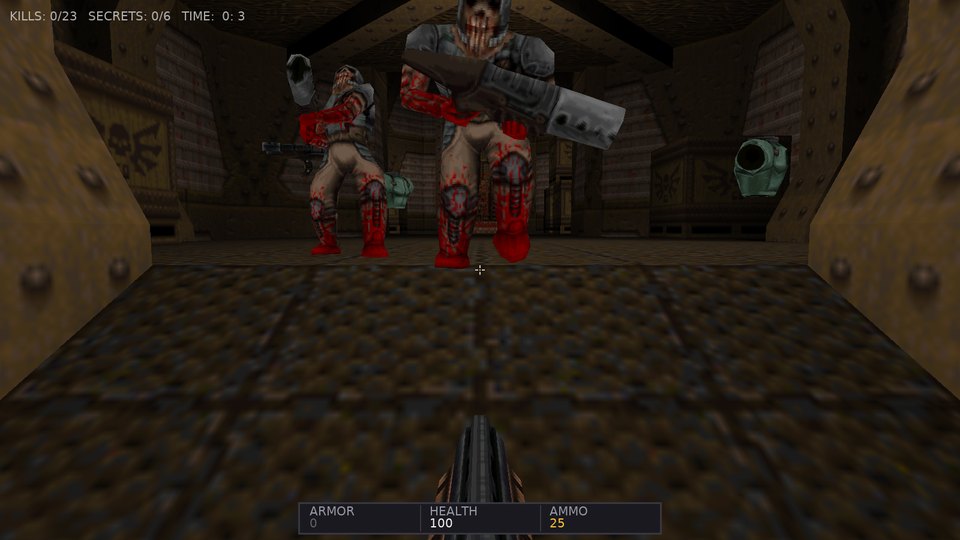
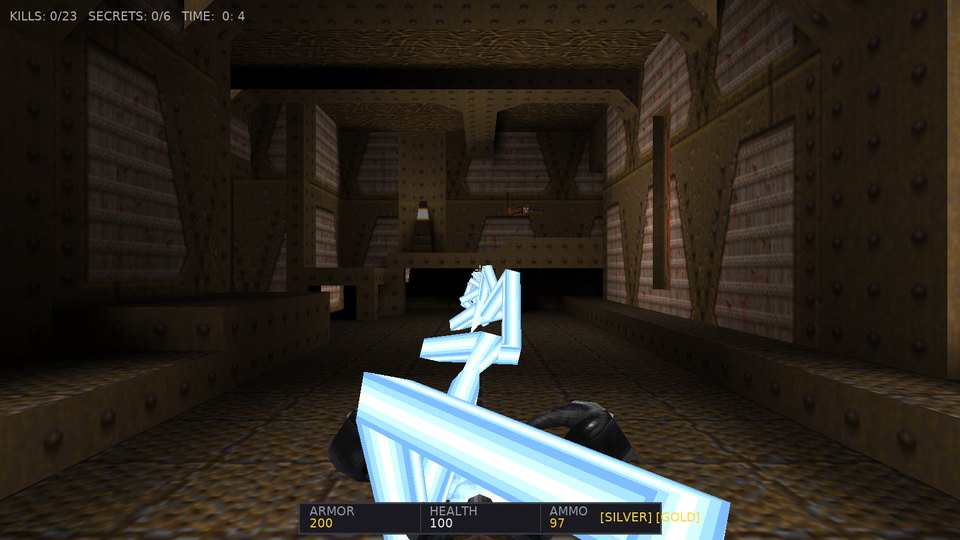
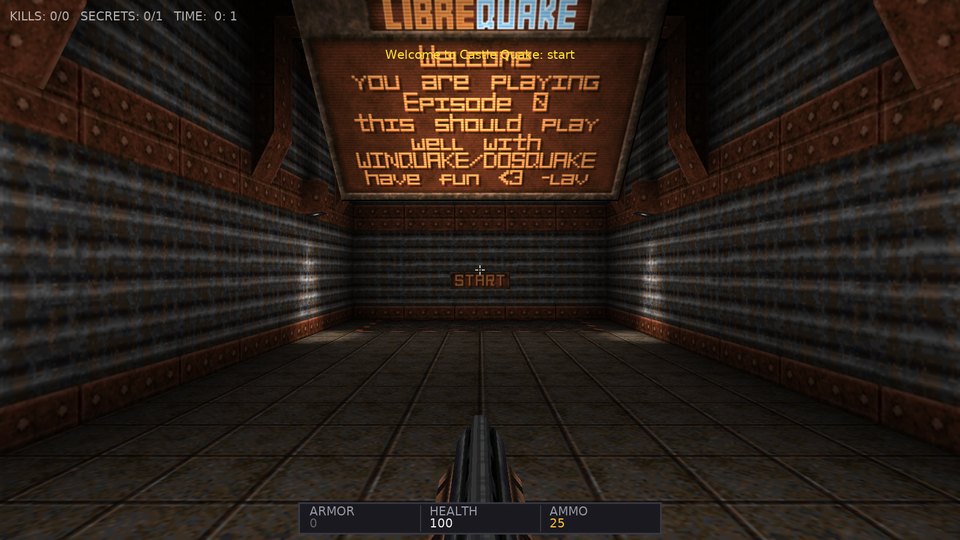
Quake 1 levels and gameplay, rendered and played with Castle Game Engine. LibreQuake and Quake 1 Demo assets supported.
The browser version runs via WebAssembly and WebGL 2. Click the viewport canvas to lock mouse look. Desktop releases support loading your own custom PAKs and warp options.
Multiplayer in the browser: a desktop host started with -host start -websocket 26001 accepts browser players, who open play/?connect=wss://your-host:26001/ (the page is served over https, so the relay needs a TLS proxy in front of it).
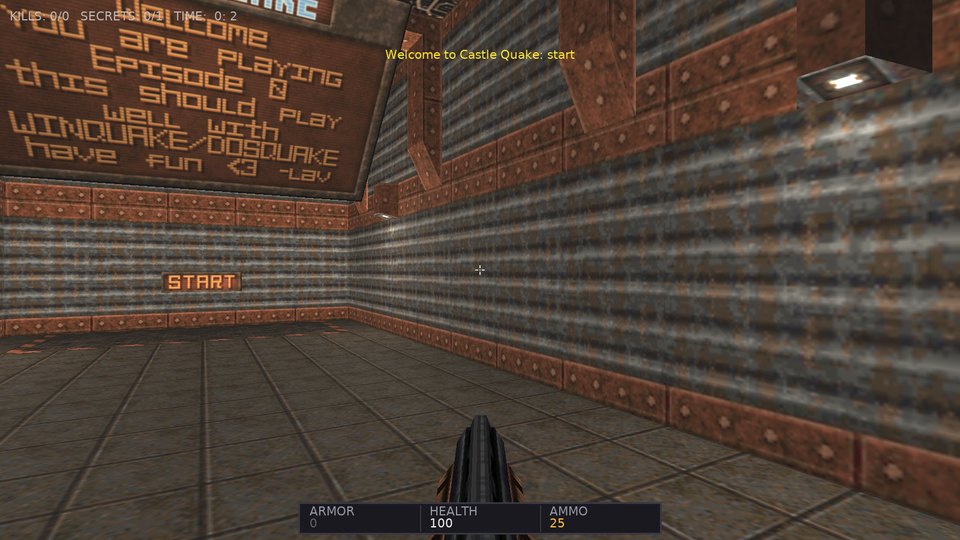
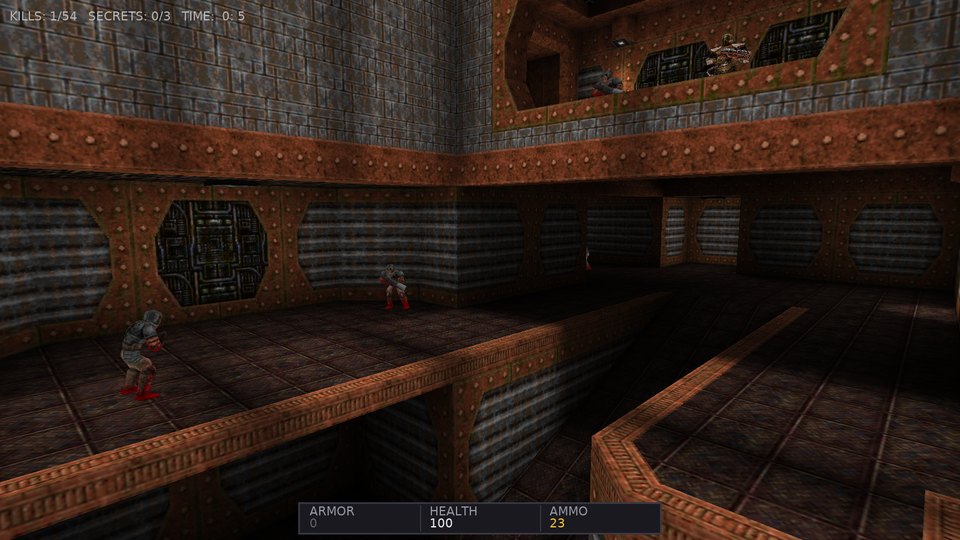
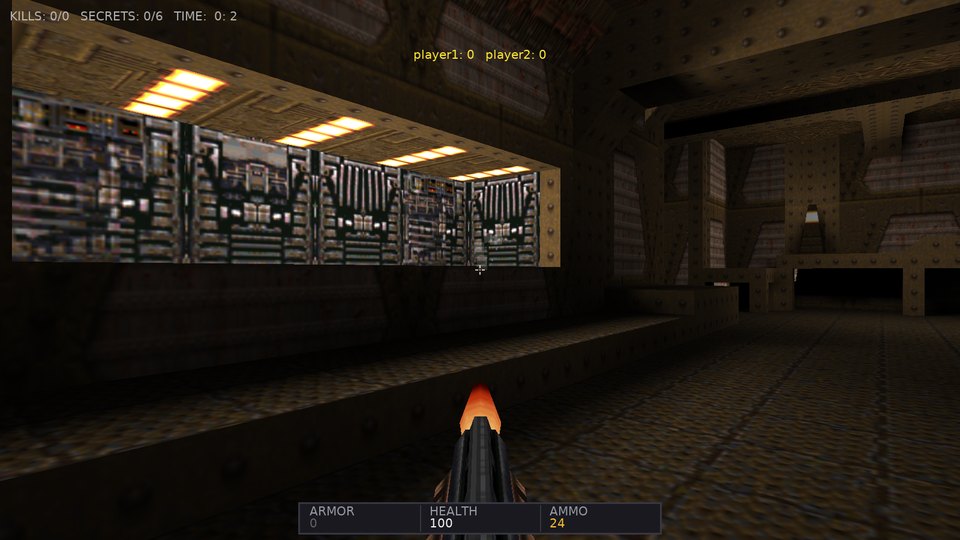
Controls
WASD or arrow keys to move & strafe, mouse look to aim, Left Click or Ctrl to fire weapon, Space to jump, E to use doors and buttons, 1–8 to switch weapons (Axe, Shotgun, Super Shotgun, Nailgun, Super Nailgun, Grenade Launcher, Rocket Launcher, Lightning Gun), F1 or C to toggle camera view (First-Person, Third-Person, Free-Fly), F2 to toggle real-time dynamic shadows, F12 for screenshot, ~ for Quake developer console, Esc for Menu and Options.
How Quake 1 maps onto Castle Game Engine
| Quake 1 System | Castle Game Engine Implementation |
|---|---|
| BSP World (v29) | Direct parser builds procedural X3D scene graphs using TShapeNode, TIndexedTriangleSetNode, and TCoordinateNode with texture coordinate mapping. |
| Dynamic PBR & Lightstyles | Quake light entities are translated to real-time TCastlePointLight instances with all 13 animated light styles (flicker, strobe, pulse) evaluated at 10 Hz, plus TCastleDirectionalLight ambient sun fill and weapon muzzle flashes. |
| Animated Models (MDL v6) | Custom Alias .mdl parser reads skins, keyframes, and vertices, generating animated X3D meshes for weapons, pickups, and monsters. |
| Submodels (Doors & Lifts) | Movable map brushes (func_door, func_plat, func_button) are encapsulated in dynamic TCastleTransform instances with smooth real-time kinematics and collisions. |
| Spatial 3D Audio | OpenAL 3D sound spatialization with distance attenuation using TCastleSoundSource attached to moving submodels, triggers, and entities, plus OGG music channels. |
| Streaming Protocols | Custom quakepak: URL protocol streams lumps directly from stacked PAK archives; quaketex: generates RGBA textures from Quake's 256-color palette on the fly. |
| Camera & Navigation | TCastleWalkNavigation provides authentic player dimensions (40-unit eye level), step climbing (18 units), jump velocity, head bobbing, and multiple camera views. |
| Combat & Particles | Real-time raycast hitscan detection, projectile simulation, explosion particles, blood splatters, and wall impact sparks. |
| Status Bar HUD | Vector-rendered Quake status bar with live Armor, Health, and Ammo counters, keycards, crosshair, and level statistics. |
Asset Support
- LibreQuake: Bundled open-source game assets (
pak0.pak,pak1.pak, and digital soundtrack). - Quake 1 Demo / Shareware: Compatible with original ID Software demo data (
quake1_demo.pak). - Commercial Quake 1: Drop in your registered
pak0.pakandpak1.pakfrom Steam or GOG for all 4 original episodes!