Castle DOOM
Doom levels, rendered and played with Castle Game Engine. Freedoom Phase 1 & 2 included.
Play in the browser Download for Windows (installer) / Linux / macOSThe desktop builds can load your own IWADs and PWADs (menu or -iwad / -file). The browser version first downloads the engine and Freedoom Phase 1; Phase 2 (about 10 MB more) is downloaded when you choose it in Options. It needs WebGL 2. Click the canvas to capture the mouse.
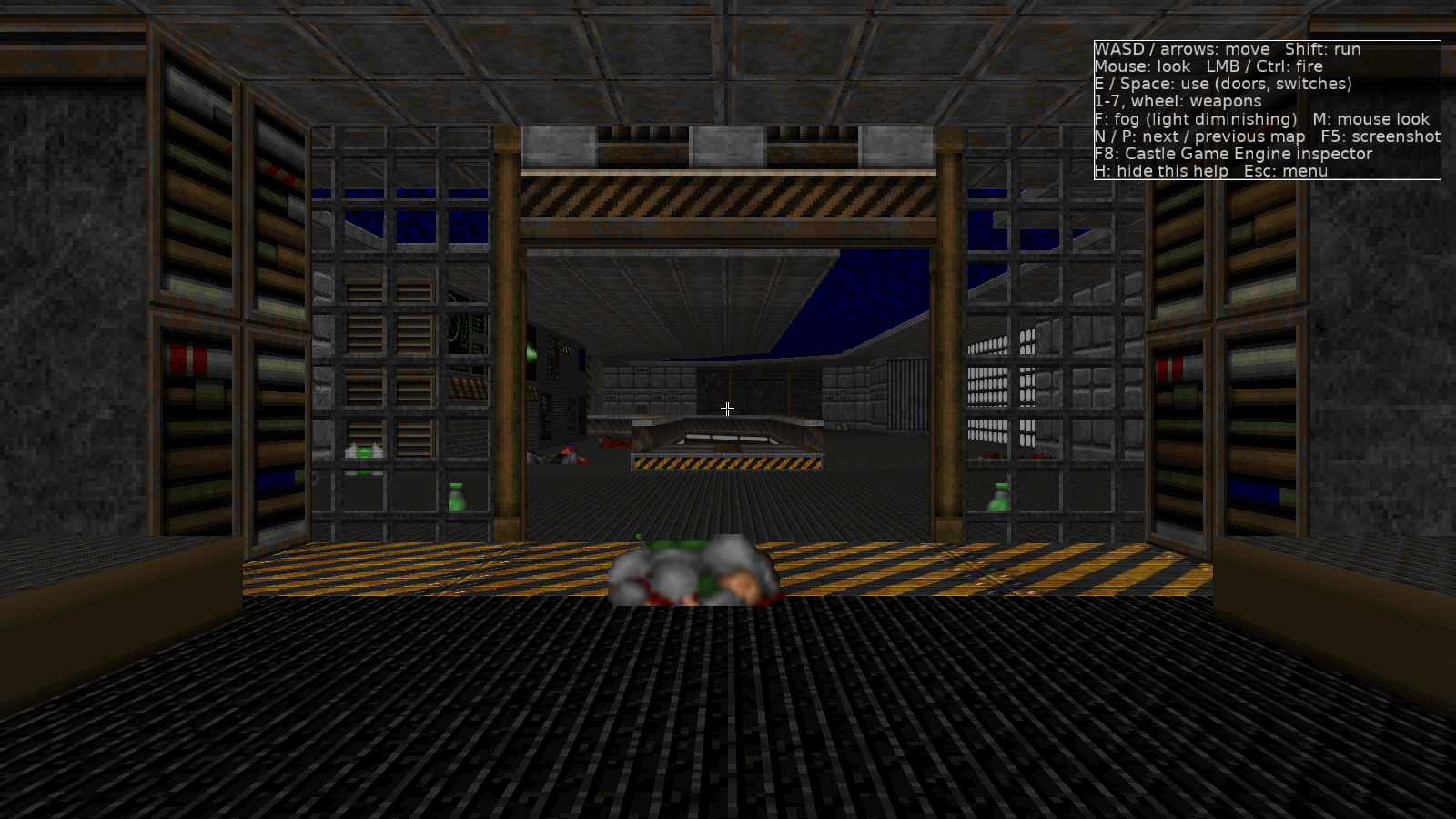
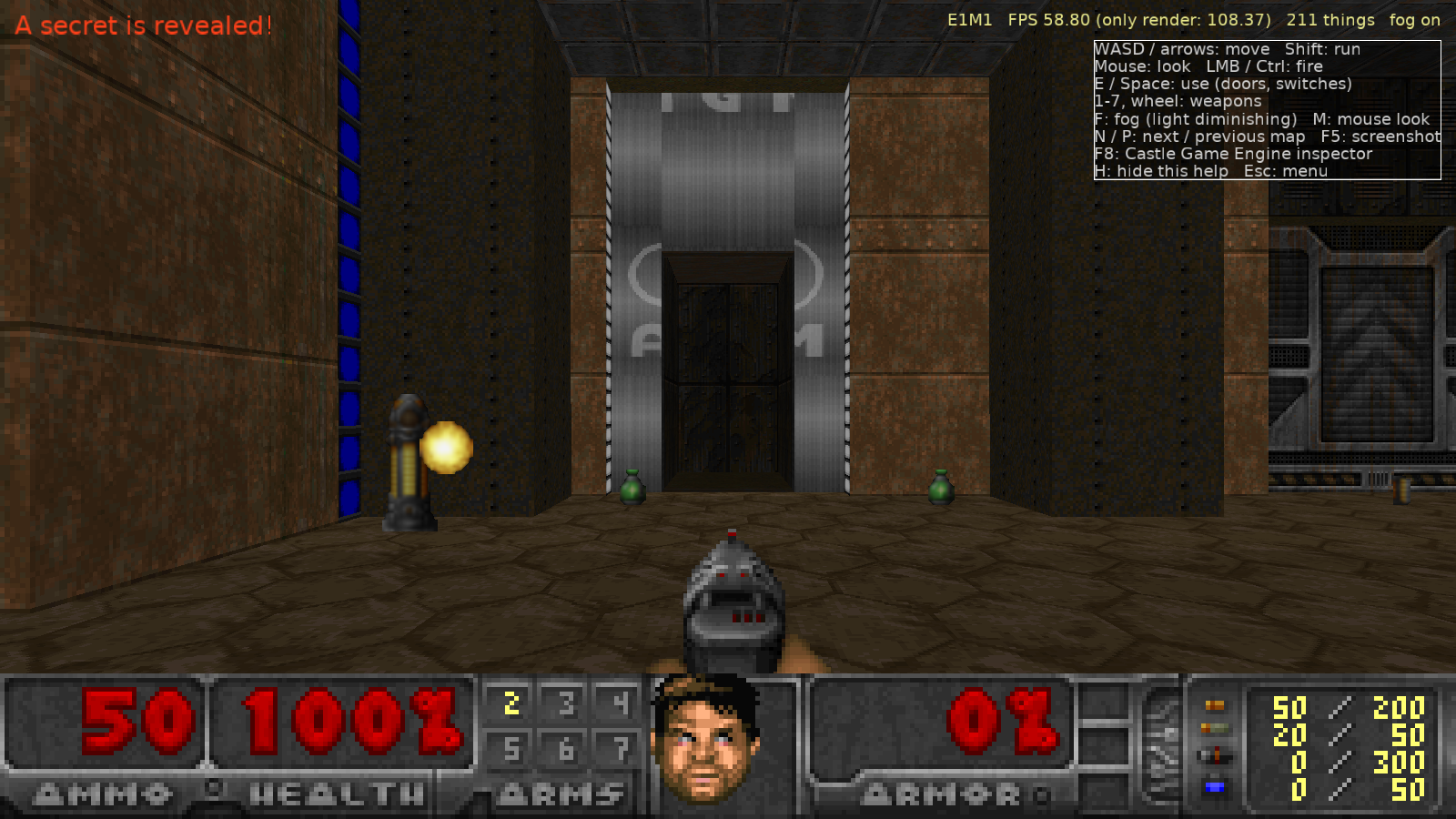
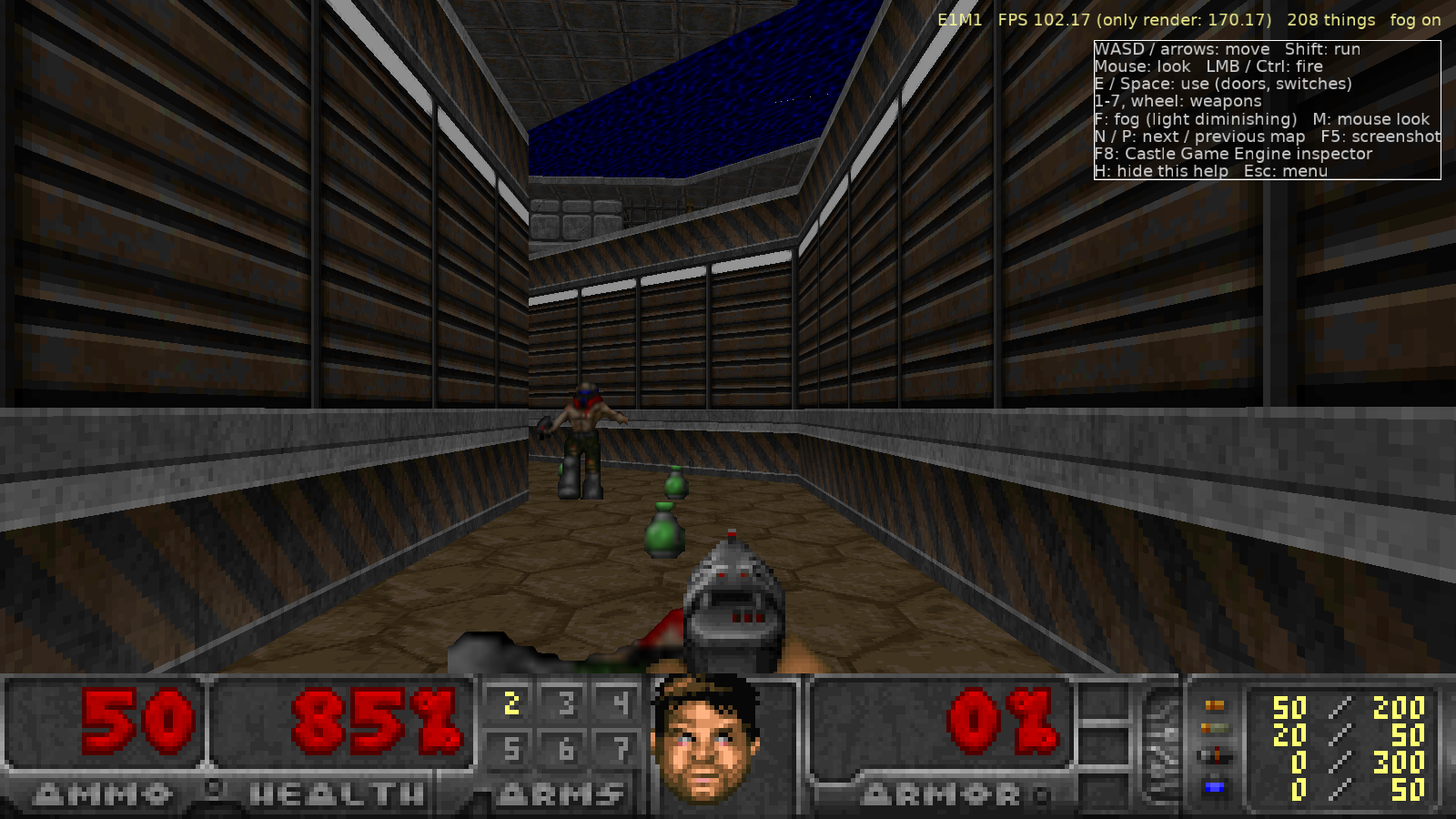
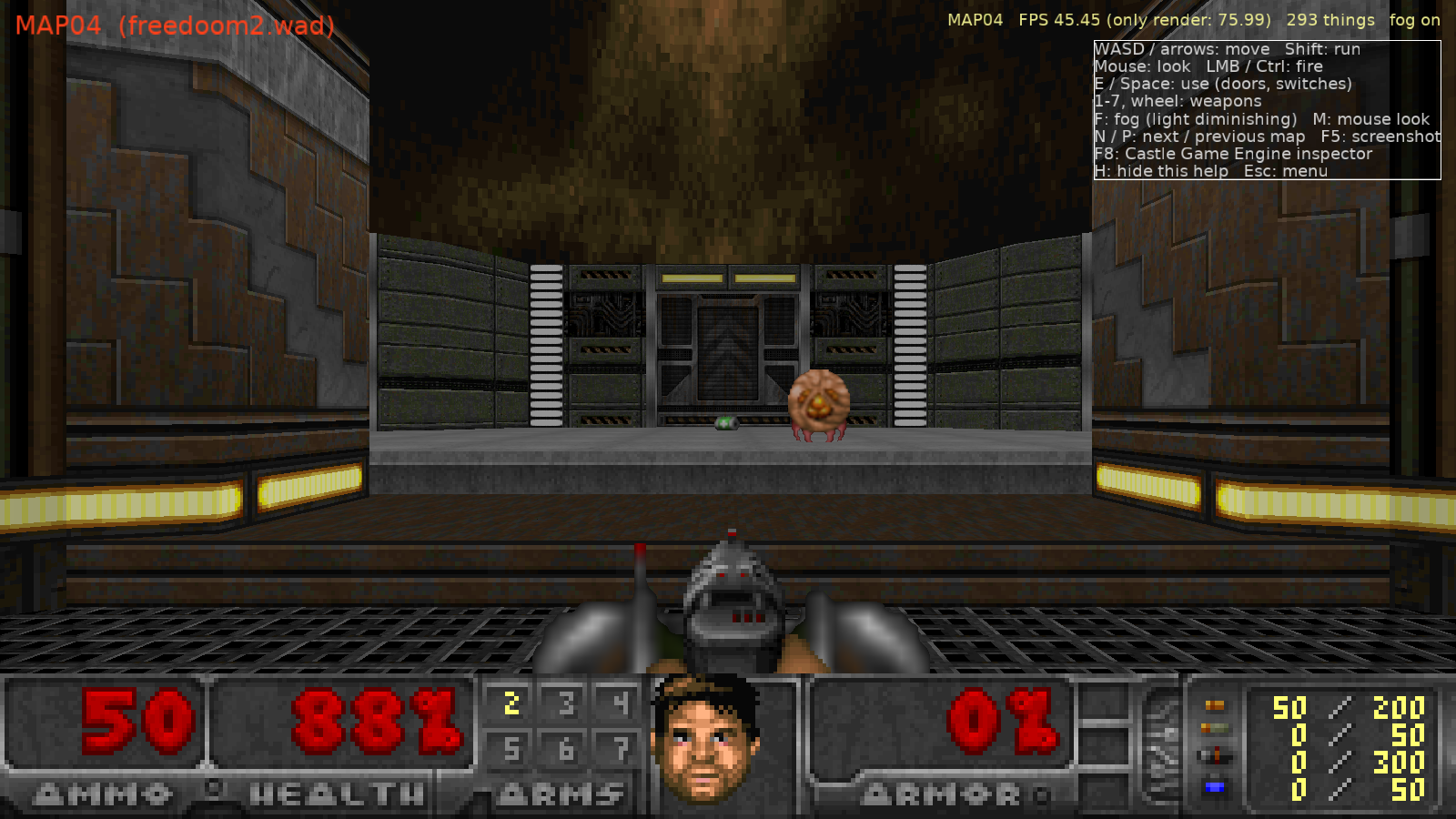
Controls
WASD / arrows move, Shift run, mouse look, left mouse / Ctrl fire, E / Space use (doors, switches), 1-7 and wheel weapons, F light diminishing, M mouse look on/off, J music on/off, F4 sound / music volume, Tab automap (+/- zoom, G grid), F2 / F3 save / load (F6 / F9 quick), N / P next / previous map, H help, Esc Doom's menu over the paused game (Options, sound volume, save / load; Esc again or a click beside it resumes and captures the mouse again). Gamepad (press a button on it first in the browser): left stick move, right stick look, right trigger fire, A use, bumpers weapons, View automap, Menu Doom's menu (Options -> Controls... -> Gamepad rebinds the buttons). Phones and tablets: touch controls appear with the first touch: a stick where your left thumb lands (to its edge runs), drag on the right to look, and buttons to fire (drag it to aim while shooting), use, change weapons, open the automap and the menu; turn the phone sideways (Options -> Controls... -> Touch mirrors them for the left hand, changes their size and opacity, and lets you drag each button into place). Title screen: any key opens Doom's menu (arrows and Enter, or the mouse; Esc back), F1 Read This!; Options picks the WAD, map and skill, the video options and, under Controls..., the keys and mouse buttons for moving, firing, using, the automap, the weapons and the hotkeys (the defaults are listed here; Esc, F1-F4 and F8 stay fixed). Saves are kept in your browser's local storage for this site, and after one visit the game also plays offline; the browser's "Install app" puts it in a window of its own.
Your saves
The browser keeps your saves (and volume settings) in this site's local storage. Export them to a file
to move them to another browser or computer; the desktop build imports the same file
(Options → Import saves..., or --import-saves FILE) and exports one with Export saves....
| Slot | Game |
|---|
How Doom maps onto the engine
| Doom | Castle Game Engine |
|---|---|
| WAD lumps, BSP nodes, subsectors | Plain Pascal records; convex subsector polygons recovered by clipping against the BSP partition lines |
| Walls, floors, ceilings, sector light | X3D nodes built in code: IndexedTriangleSet, UnlitMaterial, per-vertex Color; one scene per movable sector |
| Textures, flats, sprites | Decoded from patches, served through a custom doomgfx: URL protocol so the engine's texture cache shares them |
| Sky, light diminishing | Camera-following textured cylinder; Doom's colormap arithmetic per pixel as a GLSL shader effect (TEffectNode, a FloatVertexAttribute with the sector light) |
| Player | TCastleWalkNavigation with gravity, step climbing and precise collisions |
| Things, monsters | TCastleBillboard sprites with Doom's 8-rotation selection; 2D Doom-style movement rules |
| Shooting | Doom's autoaim and line attacks traced in Doom units against linedefs and thing boxes |
| Doors, lifts, floors, crushers, stairs, teleporters | Sector heights change and the affected scenes are regenerated in place |
| Sounds | DMX lumps converted to WAV on the fly (doomsfx: protocol), positional with TCastleSoundSource |
| Music | MUS / MIDI lumps played by an OPL2-style FM synthesizer using the WAD's GENMIDI patches, rendered to a looping WAV |